
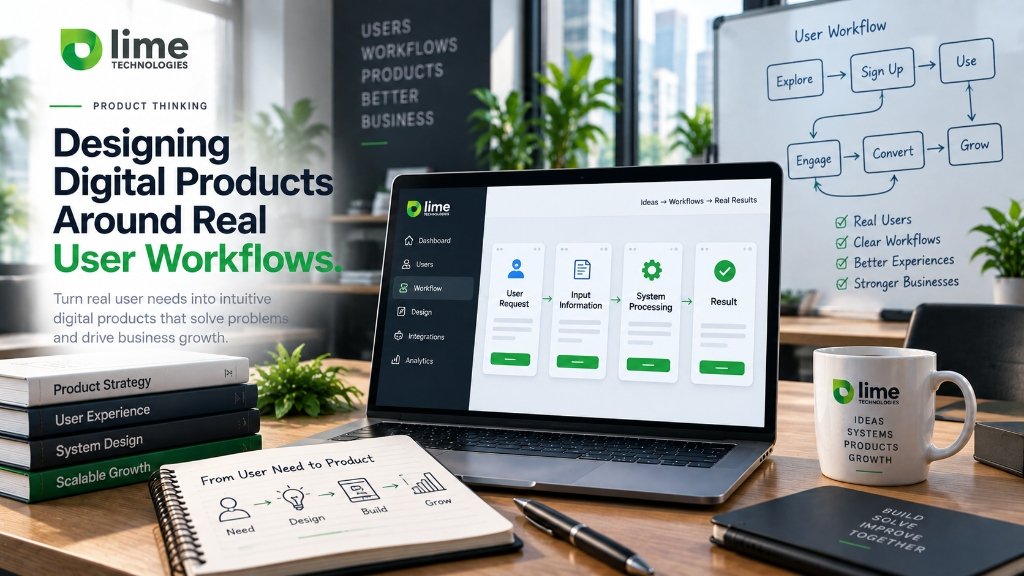
Designing digital products around real user workflows means structuring software around user roles, operational goals, decision states, and system transitions rather than isolated visual screens. Screen-first design often produces visually polished mockups that break when users encounter edge cases, missing data, or multi-step approvals. Workflow-first design maps inputs, dependencies, system responses, error states, and human handoffs before visual layout begins, resulting in digital products that reduce cognitive fatigue and handle real-world operational complexity.
In software development, there is a pervasive tendency to begin product design inside interface mockup tools. Designers assemble visually striking screens: dashboard graphs with perfect placeholder numbers, pristine tables with uniform rows, and uncluttered mobile cards.
Yet when these applications enter production, users frequently report frustration. They encounter confusing navigation paths, struggle to locate necessary actions, and find themselves trapped when real-world data deviates from the design file. This occurs because the software was conceived as a collection of static screens rather than a dynamic operational workflow.
At Lime Technologies, we engineer custom software and web applications around workflow-first principles. Software exists to assist human beings in executing operational tasks with speed, accuracy, and clarity.
Screen-First vs Workflow-First Product Design
The difference between screen-centric and workflow-centric design reflects fundamentally contrasting engineering priorities:
| Dimension | Screen-First Design | Workflow-First Design |
|---|---|---|
| Starting Point | Visual canvas, UI components, aesthetic color schemes. | Operational goals, user roles, system states, and business logic. |
| Data Assumption | Optimistic “happy path” data (short names, full datasets, fast APIs). | Realistic data variance (missing fields, edge cases, latency, errors). |
| Task Focus | What does the screen look like when viewing an entity? | What sequence of decisions allows the user to complete their job? |
| Edge Case Handling | Treated as secondary afterthoughts or omitted from mockups. | Modeled upfront as core state machine transitions. |
| Production Result | Polished visual styling that often breaks during complex real-world use. | Resilient, intuitive software that handles operational messiness seamlessly. |
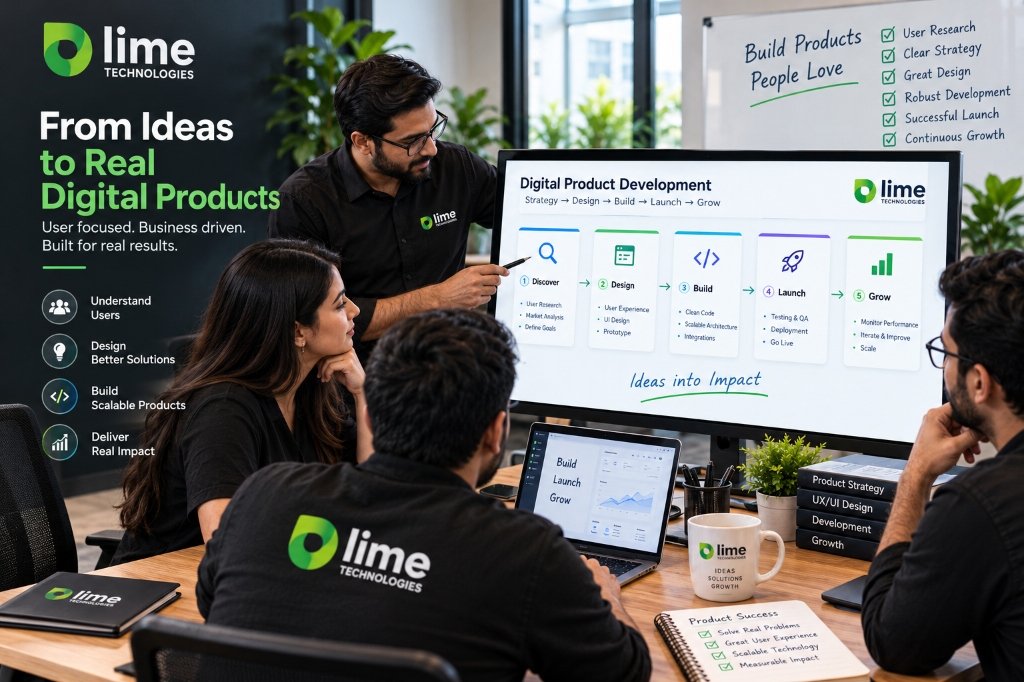
The Seven Pillars of a Functional Workflow
Before drawing a single interface button, our product teams document the seven structural components of every workflow:
- Role: Who is operating this workflow, what is their technical proficiency, and under what environmental conditions are they working (e.g., desktop office setting vs mobile field operations)?
- Goal: What specific commercial or operational outcome must be achieved? (e.g., approve an invoice, reassign a field technician, verify a patient record).
- Trigger: What initiates the workflow? (e.g., an inbound customer call, an automated webhook, a daily scheduled batch, or manual user initiation).
- Inputs & Dependencies: What data, credentials, or file uploads are strictly required before progression is permitted?
- Decision States: Where must human judgment intervene, and what conditional branches emerge based on that choice?
- System Responses: What does the platform do automatically in response to each input? (e.g., validate syntax, query inventory, trigger an API webhook, send a confirmation email).
- Resolution & Handoff: How does the workflow conclude, where is state persisted, and which downstream system or team is notified?
Conceptual Architecture Walkthrough: Inbound Service Dispatch
Consider a conceptual example: designing a field service dispatch workflow for an equipment maintenance organization.
A screen-first approach creates three isolated screens: a “Ticket Details” screen, a “Technician List” screen, and a “Confirmation Modal.” When deployed, dispatchers find it infuriating: to check a technician’s skill certification, they must leave the ticket, navigate to a separate directory, write down a phone number, return to the ticket, and re-enter details.
A workflow-first approach models the dispatcher’s cognitive task:
- The ticket lands with an identified equipment failure model (Trigger & Context).
- The system automatically filters available technicians by proximity, active certifications for that specific machine, and current shift availability (System Response).
- The dispatcher views matching qualified technicians directly alongside the ticket details without changing contexts (Unified Workspace).
- The dispatcher selects a technician and adds contextual site access notes. The system validates whether the technician’s van contains the required replacement part inventory (Validation Step).
- If parts are missing, an inline warning offers a one-click reroute to the regional parts depot (Edge Case Exception).
- Upon assignment, the technician receives a mobile push notification, the client receives an SMS appointment window, and the internal ERP updates the billing code (Automated Resolution).
The workflow-first design eliminates five unnecessary navigation transitions, prevents scheduling unqualified technicians, and eliminates scheduling errors.
Designing for Real-World Friction and Error Recovery
Software systems operate in an imperfect world. Network connections drop, third-party APIs experience downtime, and human operators make input mistakes.
Resilient workflow design treats errors as standard operational states:
- Inline Field Validation: Validate data format and constraints immediately upon field blur rather than forcing users to submit a multi-field form only to return generic red banners.
- Preserved State: If an API failure prevents form submission, never clear the user’s entered data. Retain state locally in memory so the operator can retry without re-typing.
- Actionable Recovery Guidance: Replace vague messages like “An unexpected error occurred” with concrete instructions: “Payment gateway timed out. Your draft invoice has been saved as #4102; click here to re-attempt payment.”
- Human Override Controls: For automated approval logic, always provide authorized administrators with an explicit, audited manual override button to prevent operational logjams when unexpected edge cases occur.
Design Systems as Operational Toolkits
In modern product engineering, a design system is far more than a Figma color palette. It is a shared code library of tested, accessible UI patterns that enforce consistent interaction behavior across complex application suites.
When design systems encode accessibility standards (ARIA labels, keyboard navigation focus rings, accessible contrast ratios) and standardized data display states (empty states, loading skeletons, partial error banners), engineering teams build new features faster with dependable operational consistency.
Organizations developing proprietary applications can explore our specialized digital product and app development services, or review our responsive standards in web design and development. You can also view our full suite of technical capabilities on the Services Hub.
- Workflows precede screens: Map user roles, operational goals, and state transitions before opening interface design software.
- Design for data variance: Plan for missing fields, long strings, slow network connections, and edge cases from day one.
- Minimize context switching: Consolidate interdependent information onto unified workspaces rather than forcing fragmented screen hops.
- Empower error recovery: Communicate actionable next steps during system failures and preserve user input during network interruptions.